

Useful AI features in monday.com
With artificial intelligence integrated into the monday.com platform, you gain access to improved workflows that help you optimize and streamline your daily tasks! Who can use monday AI? To start…


Planning, tracking and delivering your team's work has never been easier.
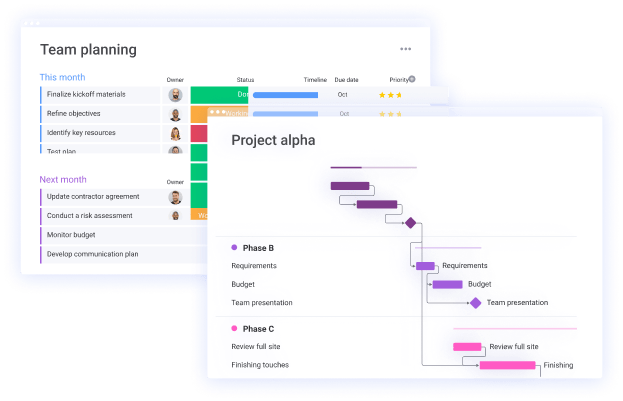
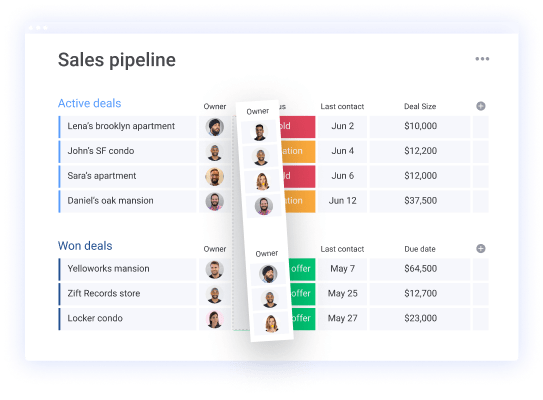
Get started quickly with hundreds of visual and custom templates - or create your own.
Keep all comments in one project so you don't have to search for updates in multiple platforms. That way you can spend more time supporting your team.

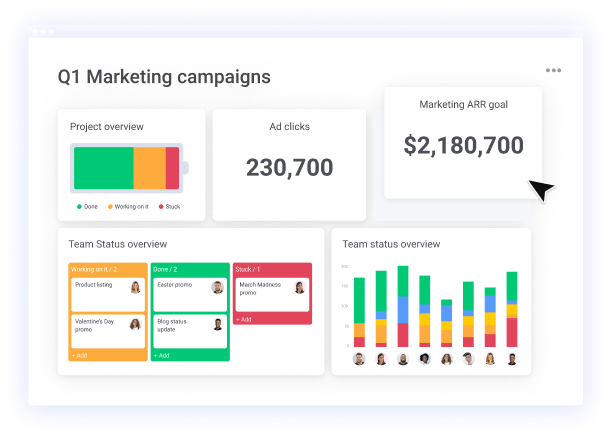
Create your team's ideal high-level dashboard in a code-free platform to create an overview of all your work and results.
In a large company in the toy industry, a design department needed a unified portfolio overview that showed how the department’s projects contributed to the company’s overall strategic objectives. Several departments and teams were using monday.com concurrently on projects.
The overall need was a visualization of the connection between the different projects and to further streamline their internal resource allocation. In addition, there was a desire to always have an updated budget overview for each project, team and the entire department.
At monday.com, aetys consultants set up a solution in which the customer could task manage several different projects in a series of monday.com boards.
One type of board was set up to manage projects, where employees could create tasks and indicate the type of task to visualize whether the task contributed to certain goals and key results.
At the same time, it was also possible for the different employees to show dependencies between tasks in projects and, on a more general level, show which projects were dependent on each other
All data that was entered and continuously updated on the various project boards was combined and aggregated into a single portfolio board. Here, all information entered for each project was summarized on a single line to provide quick readability and a comprehensive overview of the entire portfolio.
Next, it was included in the configuration which employees were responsible for the different tasks and projects. It was also estimated how long the task would take and in what time period it would be completed.
A number of columns for budgeting and accounting were also set up so that it was possible to display at task level:
1) The expected budget.
2) The actual cost.
3) The available budget.
This was also visualized in a dashboard. The dashboard also showed how much each employee was allocated overall, as well as how much of the department’s budget had been allocated to each team and project respectively.
Finally, a series of dashboards were configured for reporting. Here, the status of each project’s progress was visualized, along with the tasks that had been given the indicator as either key results or milestones. This is because these tasks were critical to achieving the organization’s strategic goals.
Get an overview of the platform’s solution options that are right for you!

As a certified monday.com partner, aety offers a wide range of product training, consulting and implementation services customized to your business goals.
We will work with you to map out all your internal processes and workflows to ensure you get exactly what you need and structure your monday.com account accordingly. With hands-on implementation, we will continuously create customized solutions to meet your changing needs.
We facilitate onboarding and training sessions for teams to ensure seamless adoption and value gain from day one. We will demonstrate how each team can customize workflows and boards to meet and exceed their unique business goals.
With deep insight into both monday.com and your business needs, we develop custom monday apps, including views, automations, widgets and integrations with other tools in your organization.

Kirstine Danielsen
Tel: +45 24 82 71 15
Mail: khd@aety.io
With artificial intelligence integrated into the monday.com platform, you gain access to improved workflows that help you optimize and streamline your daily tasks! Who can use monday AI? To start…
Do you want to combine flexibility and collaboration with accurate time tracking to optimize productivity, resource allocation and project management? Then you can integrate with Jira and get a range…

This blog post will show you how to improve your portfolio management with monday.com’s connect boards and mirror columns functions. With these functions, you will get a quick and simple…

For several reasons, it is smart to use monday.com’s board template function when you work on the platform. Using the platform’s templates saves time on standardized and repetitive work processes,…

There are several reasons why it is smart to allocate resources. By allocating resources, you get a better overview of which of your employees are on projects. In this way,…

We are pleased to announce our new partnership with Make. Make allows us to build and automate integrations without limitations visually. In other words, Make allows us to create new…
monday.com is a great collaboration tool perfect for project management. monday.com helps create an overview of your and your team’s progress. In this blog post, we will introduce you to…

Dashboards are a feature in monday.com that provides a visual overview and highlights relevant data in one place. Dashboards consist of different shapes, called widgets, that summarize and connect data…
monday.com is suitable for many different teams and workflows, including creative teams. In this blog post, you can read about how monday.com can be used in your creative workflow. Managing…
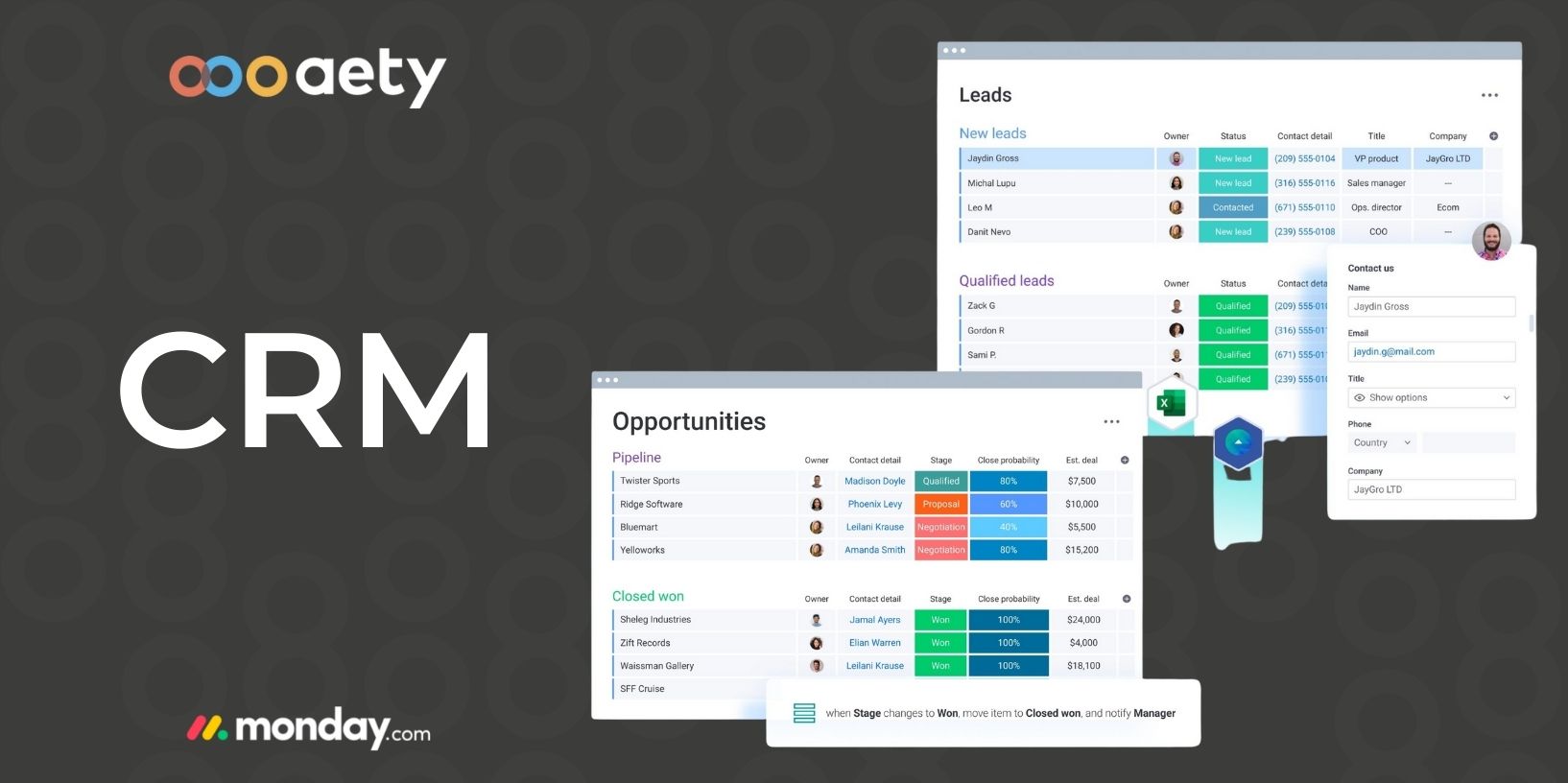
monday.com is for those who want to strengthen their Customer Relationship Management (CRM). monday.com is a central platform and an efficient system that helps companies organize and visualize the status,…